Most AI game prompts fail for the same reason: they ask for a vibe, not a playable loop.
If you only ask for "a polished neon platformer with cool juice," the model will often over-index on surface treatment. You get particles, gradients, and motion, but the controls, onboarding, pacing, and failure loop are underspecified.
The fix is not writing a longer prompt. The fix is writing a better shape of prompt.
Start with the loop, not the look
Before anything else, make the model commit to the loop:
- What does the player do every 5-10 seconds?
- What counts as success or failure?
- What should become harder over the first 60 seconds?
- What must feel responsive immediately?
Those four answers give the model enough structure to make useful decisions without dictating every file or mechanic.
A prompt template that produces better first builds
Use a structure like this:
Build a game with this core loop:
- The player [main repeated action].
- Success means [win condition].
- Failure happens when [fail condition].

Prioritize:
1. Responsive controls
2. Clear feedback for score, health, or progress
3. A first playable loop in under one minute

Visual direction:
- [Art direction]
- [Readability constraints]

Do not overbuild menus or lore before the core loop feels good.
This works because it tells the model what matters most. It also gives you a better base for follow-up turns like "tighten jump forgiveness" or "make enemy spawn pacing less spiky."
Define the readability constraints
Games live or die on legibility. Even if the mechanic is good, players bounce when the first screen is noisy or confusing.
Your prompt should explicitly mention:
- camera distance or framing
- UI priority
- target input method
- color contrast requirements
- how feedback should show up when the player succeeds or fails
That last point matters more than most teams realize. A playable build needs visible cause and effect, not just code that technically runs.
Tell the model what not to spend time on
AI agents are eager helpers. If you do not constrain scope, they can burn cycles on the wrong layer:
- oversized title screens
- narrative copy before the mechanic works
- decorative VFX before the controls feel good
- settings menus before the first retry loop exists
You should actively de-prioritize these in the initial prompt.
Ask for one strong first loop, then iterate
The best workflow is:
- generate one playable loop
- test it immediately
- ask for one focused improvement at a time
That is faster than asking for the "full polished game" in one shot, because each follow-up can be grounded in what the current build already does well or poorly.
Use the first build as a diagnostic
A strong first build answers questions:
- is the mechanic fun enough to keep?
- does the player understand the goal quickly?
- are the controls trustworthy?
- what is the next highest-leverage fix?
If the build answers those questions, it is already useful. That is the real target.
What to keep stable across turns
Once the first build is decent, preserve the core context:
- genre and control scheme
- core objective
- intended audience
- readability priorities
- any explicit performance constraints
That continuity is what makes iterative AI game creation powerful. The system is no longer "generate and discard." It becomes "improve the same playable thing."
Final checklist for better prompts
Before sending a prompt, verify that it includes:
- a clear player loop
- explicit success and failure conditions
- responsiveness and readability priorities
- visual direction without drowning the mechanic
- constraints on what not to overbuild
If those are present, the odds of getting a genuinely playable first build go up dramatically.
Turn the prompt into a build
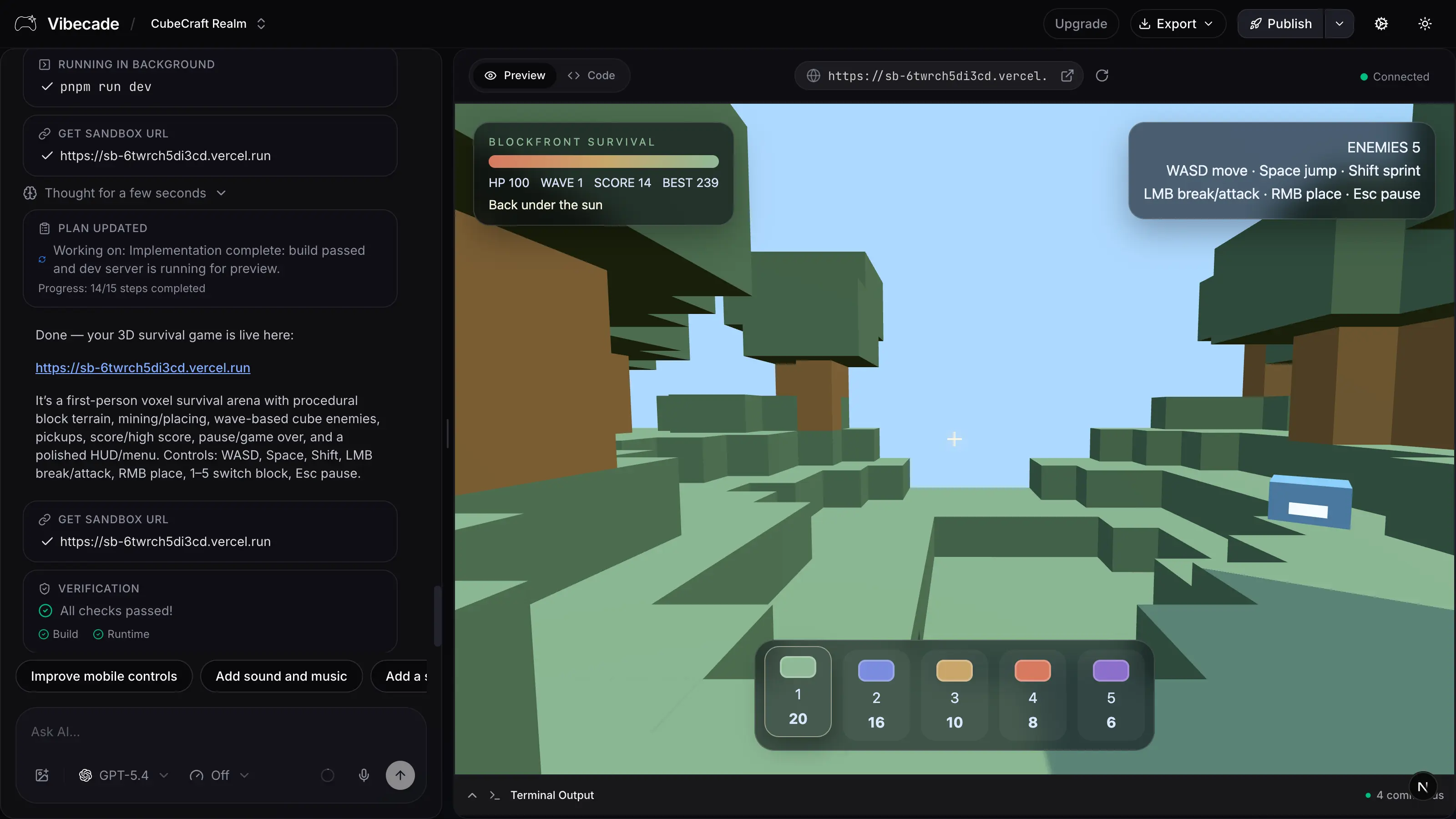
Use this prompt shape inside Vibecade, then iterate directly on the same game instead of restarting from zero.