Most “AI game creation” demos optimize for the screenshot, not the workflow.
They prove a model can emit a game once. They do not prove you can keep improving that same game without losing momentum, context, or files.
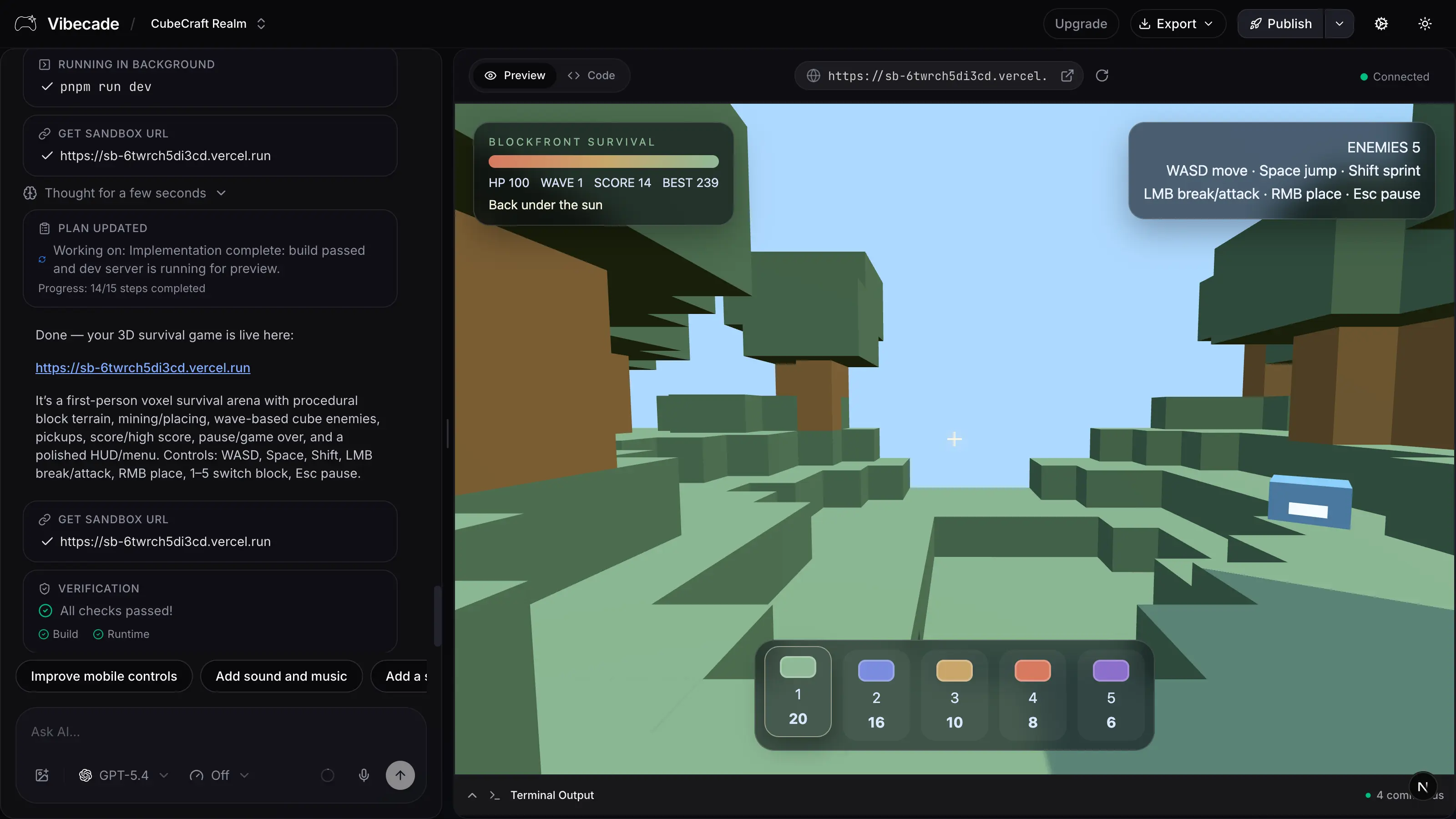
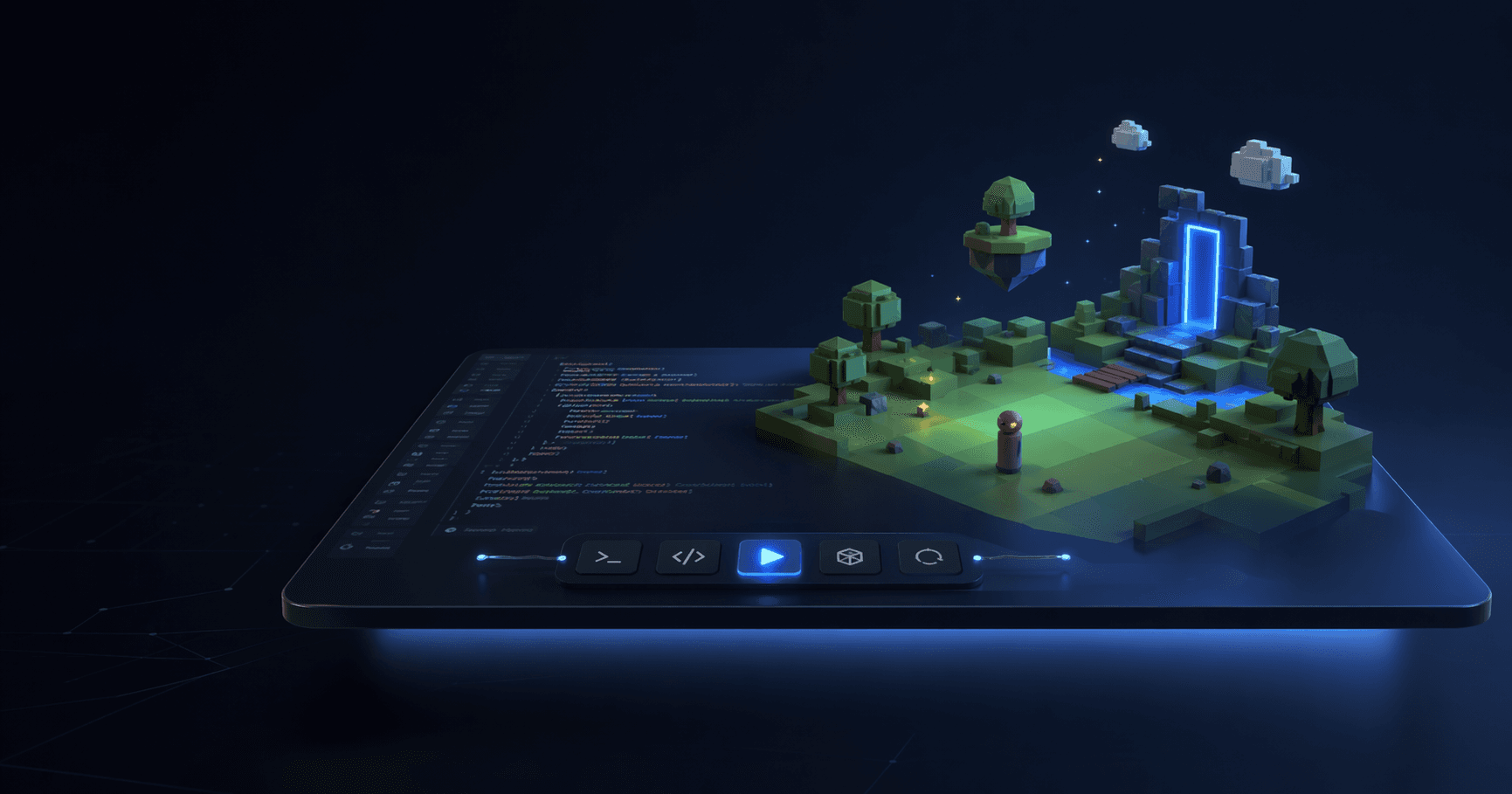
For actual prototyping, the winning setup is simpler: one workspace with the prompt history, file context, live preview, and follow-up controls all in the same place.
The real bottleneck is not generation speed
The slowest part of prototyping is usually everything around generation:
- re-explaining the idea
- copying code between tools
- losing the working state
- rebuilding context before the next edit
- testing changes outside the place where you prompted them
When those handoffs disappear, iteration gets much faster even if the underlying model speed stays the same.
What a strong prototype workspace needs
At minimum, the workspace should keep four things together:
- the active conversation about the game
- the current project files
- a playable preview
- the ability to issue the next change immediately
If any of those break apart, the loop gets slower and the model starts operating with less useful context.
Follow-up prompts should be narrow and additive
Once you have a first playable build, the fastest sequence is usually:
- tighten one mechanic
- improve one readability issue
- add one system
- test again
That beats asking the model to “make it more polished” because the request is tied to a specific observed problem.
Examples of strong follow-ups:
- “Keep the enemy logic, but reduce spawn clustering and make danger easier to read.”
- “Do not redesign the UI. Only improve score feedback and restart clarity.”
- “Keep the movement feel, but add a second difficulty ramp after 45 seconds.”
The preview is part of the prompt loop
The preview is not just an output surface. It is a diagnostic tool.
When you can inspect the game immediately after each turn, you can ask materially better questions:
- where does the pacing break?
- what visual feedback is missing?
- which system is now the bottleneck?
That is why a workspace with live preview consistently outperforms a disconnected “generate code, then go run it somewhere else” loop.
Keep the prototype focused on one measurable win
A prototype does not need to be complete. It needs to validate something:
- the core mechanic is fun
- the input feel is solid
- the theme is sticky
- the loop can support more depth
- the shareable version is worth polishing
If you know which of those you are testing, the next prompt gets easier and the project avoids feature drift.
Why keeping everything in one workspace matters
A unified workspace helps because the iteration path is shorter:
- no local engine setup
- no toolchain drift across machines
- easier sharing for feedback
- faster route from prompt to testable build
That does not just save time. It also makes it more likely the prototype actually gets shown to someone else.
A practical operating rhythm
For most game concepts, use this rhythm:
- ask for the first playable loop
- play it immediately
- fix the highest-friction issue
- repeat until the loop is stable
- only then layer on broader systems or aesthetic polish
That sequence gives you usable prototypes sooner and avoids rebuilding the same idea from scratch.
Keep the same project alive
Use Vibecade when you want the prompt history, code, preview, and follow-up turns to stay in the same workspace.